01
Stock moves when you sell
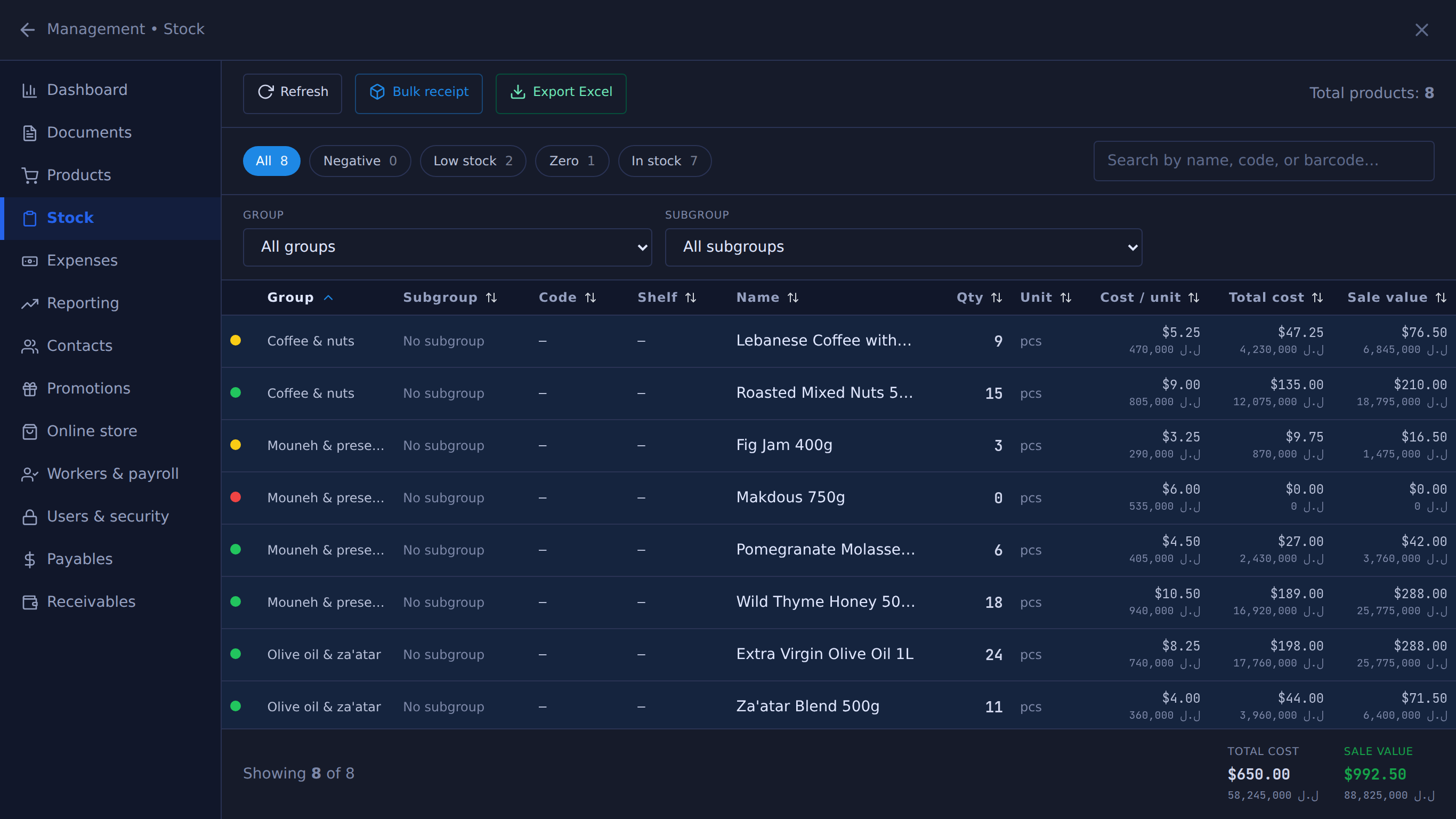
Every sale takes it off the count; restocked refunds and deleted sales put it back. The stock movement log records who, when and why for each change — no end-of-day reconciliation step to forget.
Stock in Table moves when you sell. Scan at the till and the count drops, the cost is already attached, and the same number shows on every register and on your phone.
Made in Lebanon USD + LBP on every sale 14-day free trial, no card
The problem
Stock tracked in a notebook or a spreadsheet is accurate for about a day. By the end of the week nobody trusts it, so nobody uses it — and you order blind.
With the rate moving, the same product bought twice has two different costs. Without cost attached to the item, margin is a guess and you find out you were selling at a loss months later.
The fast-moving lines are the ones that empty quietly. You find out from a customer asking for something you don’t have.
What you get
01
Every sale takes it off the count; restocked refunds and deleted sales put it back. The stock movement log records who, when and why for each change — no end-of-day reconciliation step to forget.
02
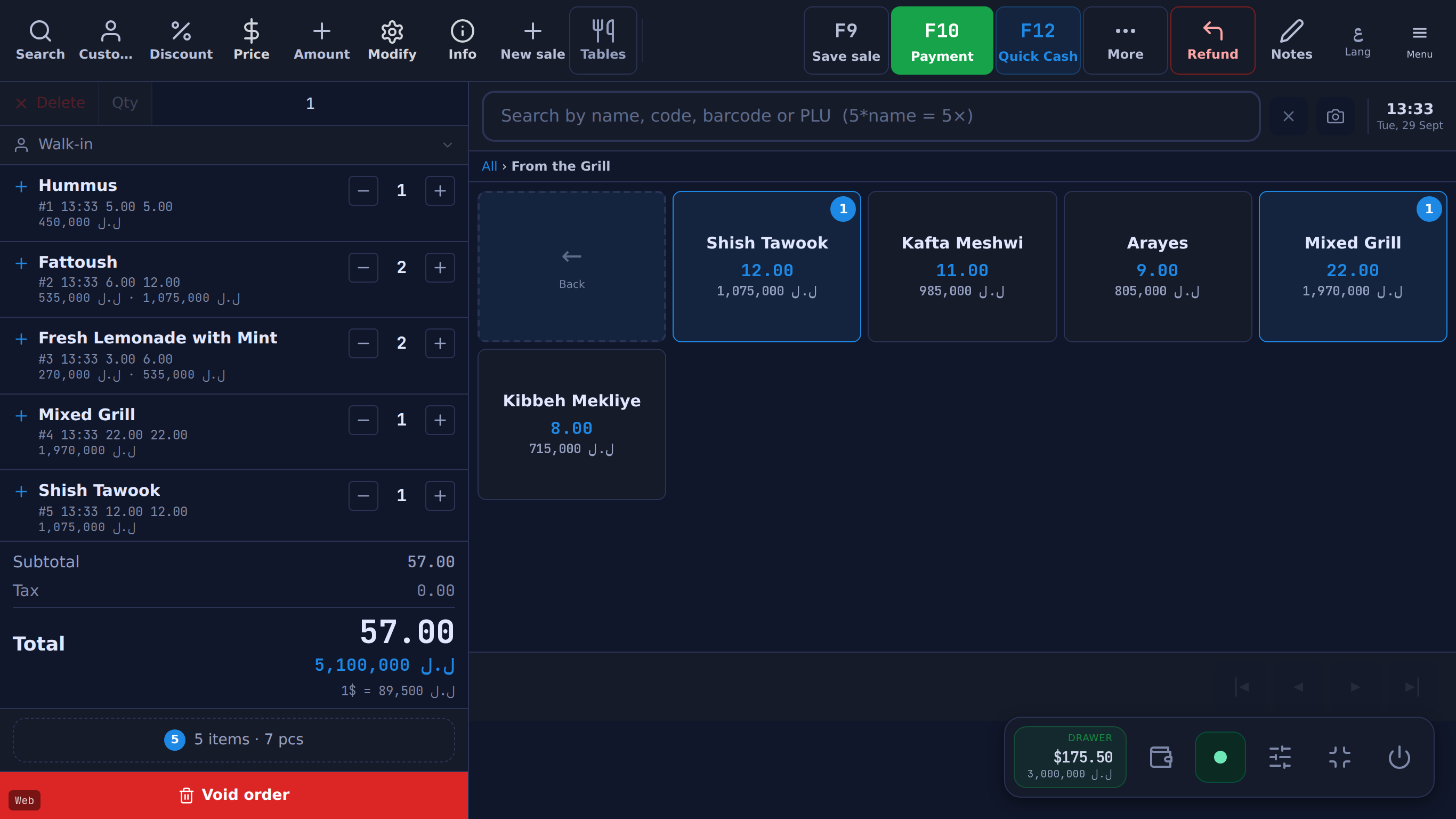
Scan a barcode, sell a pack that draws down single units, or sell by the kilo from the scale’s printed label or a typed weight. Weighed items move stock by the weight sold, not by the piece.
03
Each product carries what you paid for it. Recipes go further — a dish is built from ingredients with their current costs, so a plate’s margin is a number you can look at, not one you estimate.
04
Crossing a product’s low-stock level adds a notification in the owner phone app, and a push notification when allowed. The Reorder list shows what to buy.
05
Track who you buy from and what you owe them, and keep separate counts for the shop floor and a warehouse, with transfers between them.
06
Two registers selling the same item draw down one count. Add a price checker on the floor (a $5/month add-on) and a customer can scan a barcode and see the price in both currencies themselves.
07
Print shelf price tags from the same catalogue the till sells from, so the label and the register never disagree. Wholesale tiers give trade customers their price without the cashier remembering it.
08
Import a CSV or XML list (save your Excel sheet as CSV) rather than typing thousands of items. And it keeps working with the internet down — counts sync when the connection returns.
The real screens
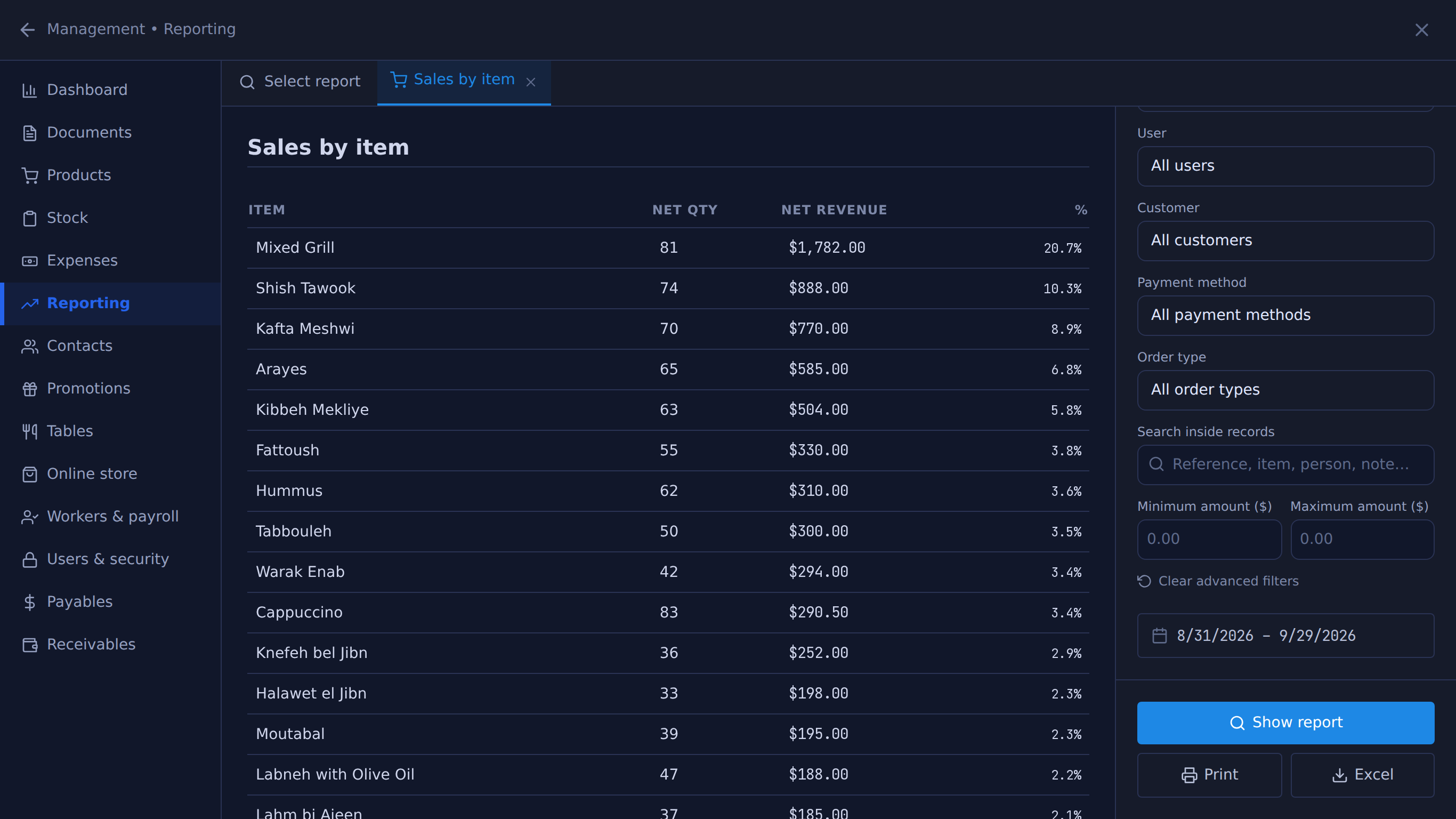
Unedited captures of Table, taken in a fictional demo shop. Open one to see it full size.
What it costs
One Windows till with every feature not marked as an add-on on /features, the owner phone app, and support on WhatsApp.
Sign up, import your products and see your real numbers. Or message us on WhatsApp and we’ll set it up with you.
14 days free · no credit card
What happens next
01
Your shop’s name and your mobile number. The shop and its PIN are created on the spot.
02
The till runs in the Table app for Windows. Download it
03
Click Download on the signup screen and the app picks up the 6-character pairing code shown when you sign up (valid 24 hours) when it opens on the same computer; anywhere else, enter the code. After 24 hours, message Table on WhatsApp for a new one.
Help installing? WhatsApp +961 81 664 397tableposlb@gmail.com