About Table
Point of sale, built in Lebanon.
Table makes point-of-sale software for restaurants, cafés, bakeries, supermarkets and shops in Lebanon. We build it, install it and support it here, for businesses that take US dollars and Lebanese lira on the same sale.
Table POS is made by TABLELBBeirut, Lebanon
What we build
One system, from the till to the table.
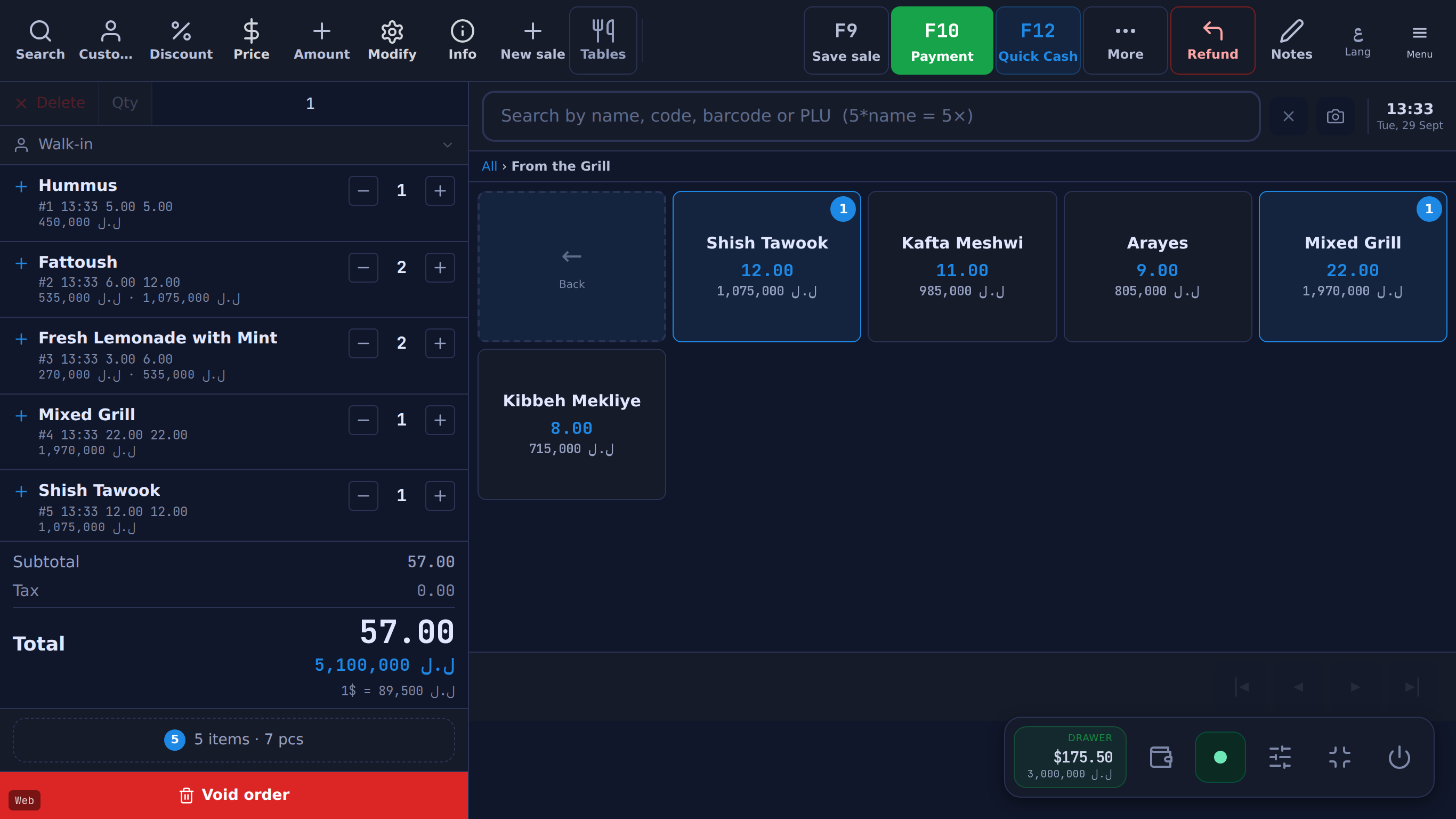
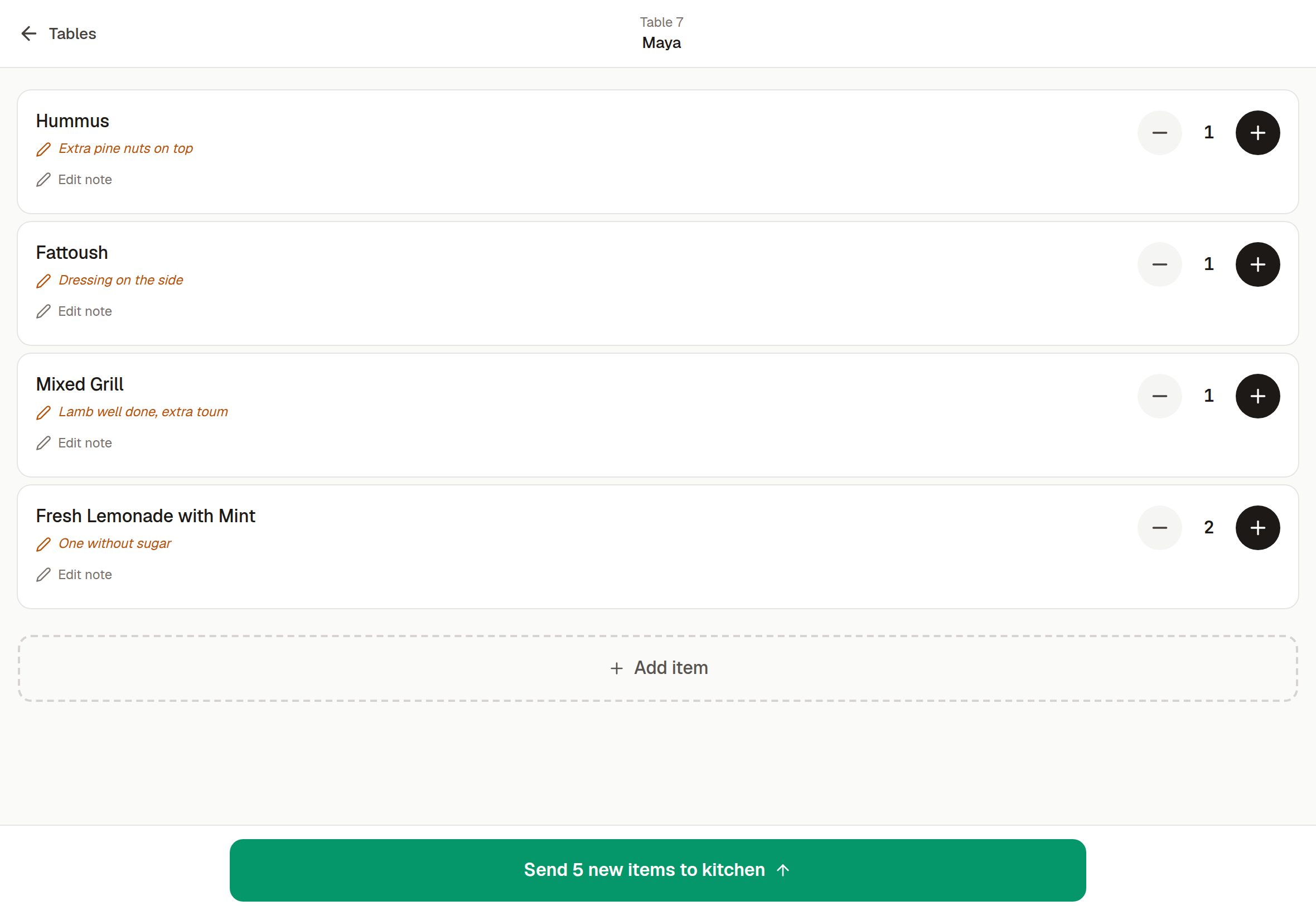
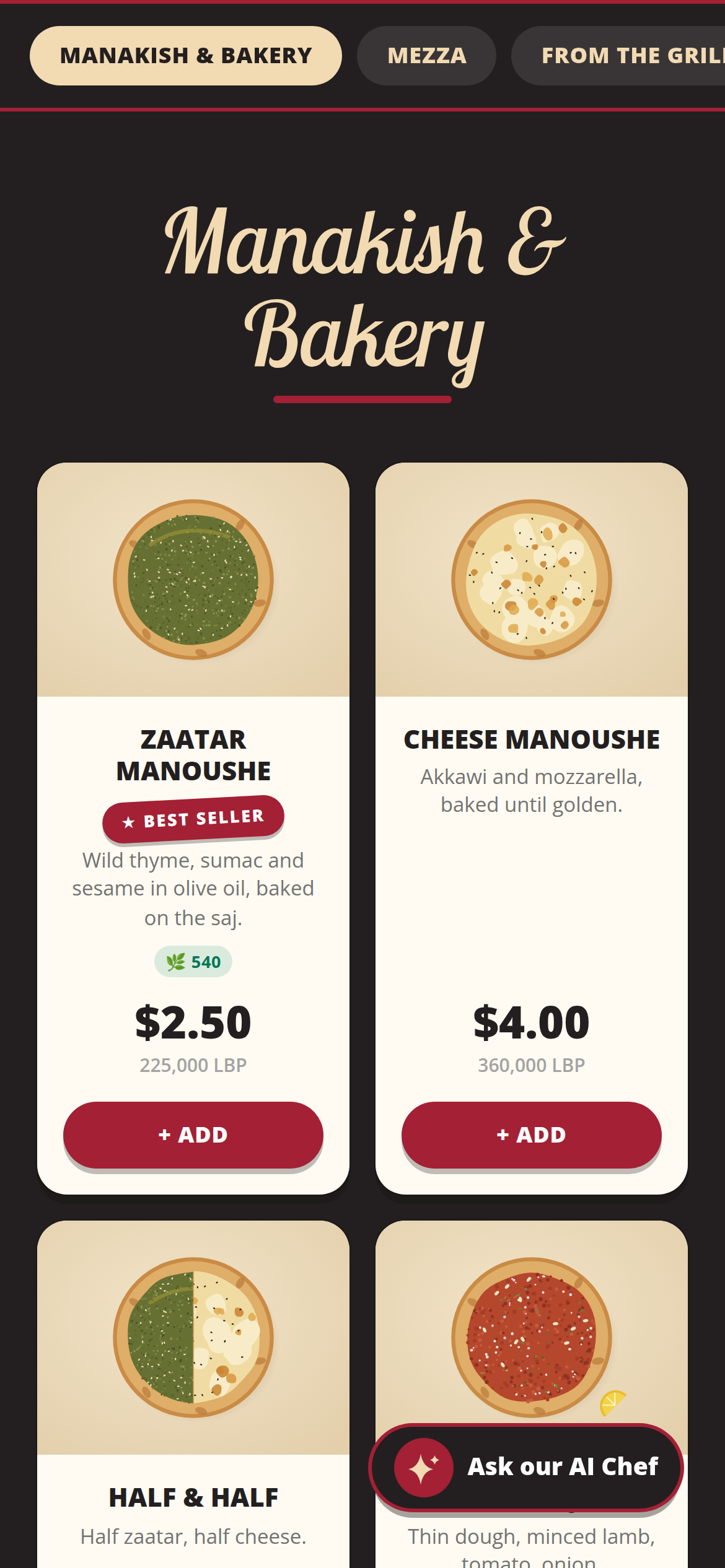
Screens from the real app, running the fictional Beit Aley demo restaurant. Every feature, checked
At a glance
What Table is, in plain facts.
Made by TABLELB, and built, installed and supported in Lebanon. We publish what it does and what it doesn't, and check both against the product.
- What it is
- Point-of-sale (POS) and back-office software for shops and restaurants in Lebanon.
- Currency
- US dollars and Lebanese lira side by side: prices, cash, change, receipts and reports. Daily rate from lirarate.org or set by hand; lira rounded to the 5,000 note.
- Offline
- The till keeps selling without internet and sends the sales when the connection returns.
- Languages
- Till, receipts and owner phone app in English and Arabic (right to left). The QR menu and online store also in French.
- Devices
- Till: Windows desktop app (Windows 7 to 11). Owner phone app: iPhone or Android. Waiter tablets: any tablet or phone browser. Standard receipt printers, cash drawers, barcode scanners and label scales.
- Your data
- Full JSON backup and CSV exports while the licence is active (after that, ask Table for a copy), and a nightly off-site copy.
Decisions, not slogans
Why it works the way it does.
- 01
Lira that matches the notes in the drawer
Lira amounts shown to the customer are rounded to the nearest 5,000 LBP while dollar amounts stay exact to the cent. Handing over exactly the lira amount shown settles the sale with no change and no shortfall.
How dual currency works - 02
A till that keeps selling when the line drops
Sales made offline wait on the computer and sync when the connection returns, with their original time and rate. What still needs the internet is written down: the final Z report, other tills' figures, the delivery check before closing, saving changes in Management and Settings, the reports, the delivery board (a delivery rung offline reaches it when its sale syncs), reservations and QR-menu orders need an internet connection. Offline, the cash drawer, the X report and closing a shift use the till's own figures (the last totals it loaded plus what it did since), and the server writes the final Z report when the close syncs, after the sales rung before it. A refund made offline is checked against its sale only when it syncs; one the server refuses is shown to the cashier to redo. Offline, a manager's approval of settings, users, documents or payroll needs the connection, a sale rung offline that syncs after its stock ran out is recorded below zero, and one left on a customer's account is recorded even if the account went over its limit or was blocked by then (the owner is notified of both). Offline, a sale left on a customer's account can be refunded only with no cash back, and the account's balance and documents cannot be shown: a plain payment is still taken and is applied to the oldest debts when it syncs.
Offline selling, in full - 03
The till stores the rate with every sale
Sales rung offline keep theirs when they sync. Sales are kept in dollars, so last month's dollar totals don't move when the lira does. Some lira figures for past periods use today's rate or the period's average sale rate instead; the details are under What Table doesn't do.
The stored rate, in detail
How support works
Support, straight from Table.
Sales and support share one WhatsApp number and one inbox, and both are ours. Setup, questions, a till that won't start: write to us there.
- +961 81 664 397
- tableposlb@gmail.com
- Inside the app
- From the assistant, one tap sends the conversation to Table's support. From the owner phone app, owners can report a bug or suggest a feature with photos or video and follow each ticket's status.

Try it on your own counter. Tell us what's missing.
14 days free · no credit card. Or start with a message on WhatsApp.