01
One catalogue, not two
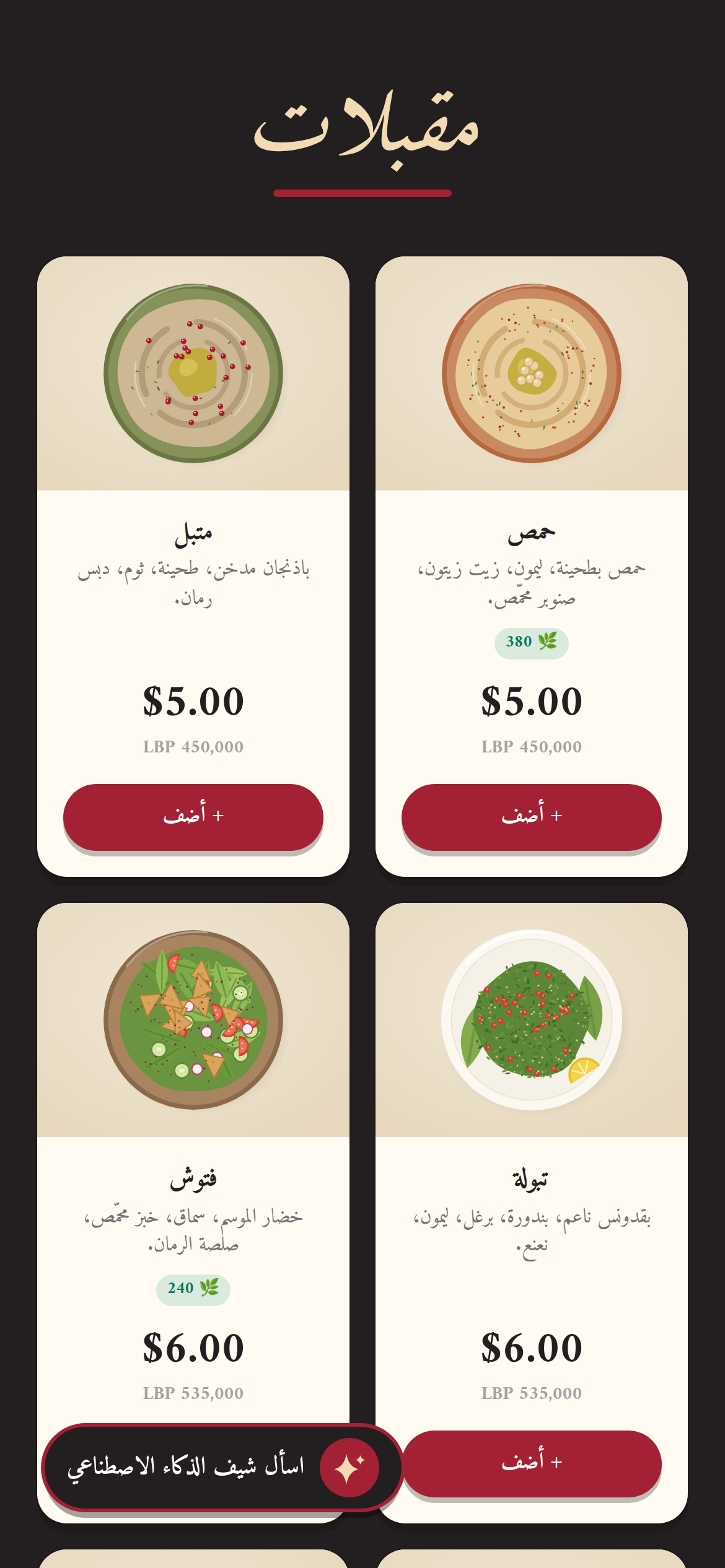
The QR menu shows the products already in your till. Change a price at the register and the menu on the table follows — there is no second list to keep in step.
A printed menu is out of date the moment the rate moves. A QR menu reads the catalogue your till already sells from, so a price changed once is changed on every table. $25 a year with a Table licence.
Made in Lebanon USD + LBP on every sale 14-day free trial, no card
The problem
Every price change means a new print run, or a sticker over the old number, or a cashier explaining that the menu is wrong. None of those look good to the customer sitting there.
A menu in dollars and a customer paying lira means somebody does the conversion out loud, at the table, at whatever rate they remember.
Print in Arabic and the visitor can’t read it. Print in English and the regular squints. Print both and the card is twice the size.
What you get
01
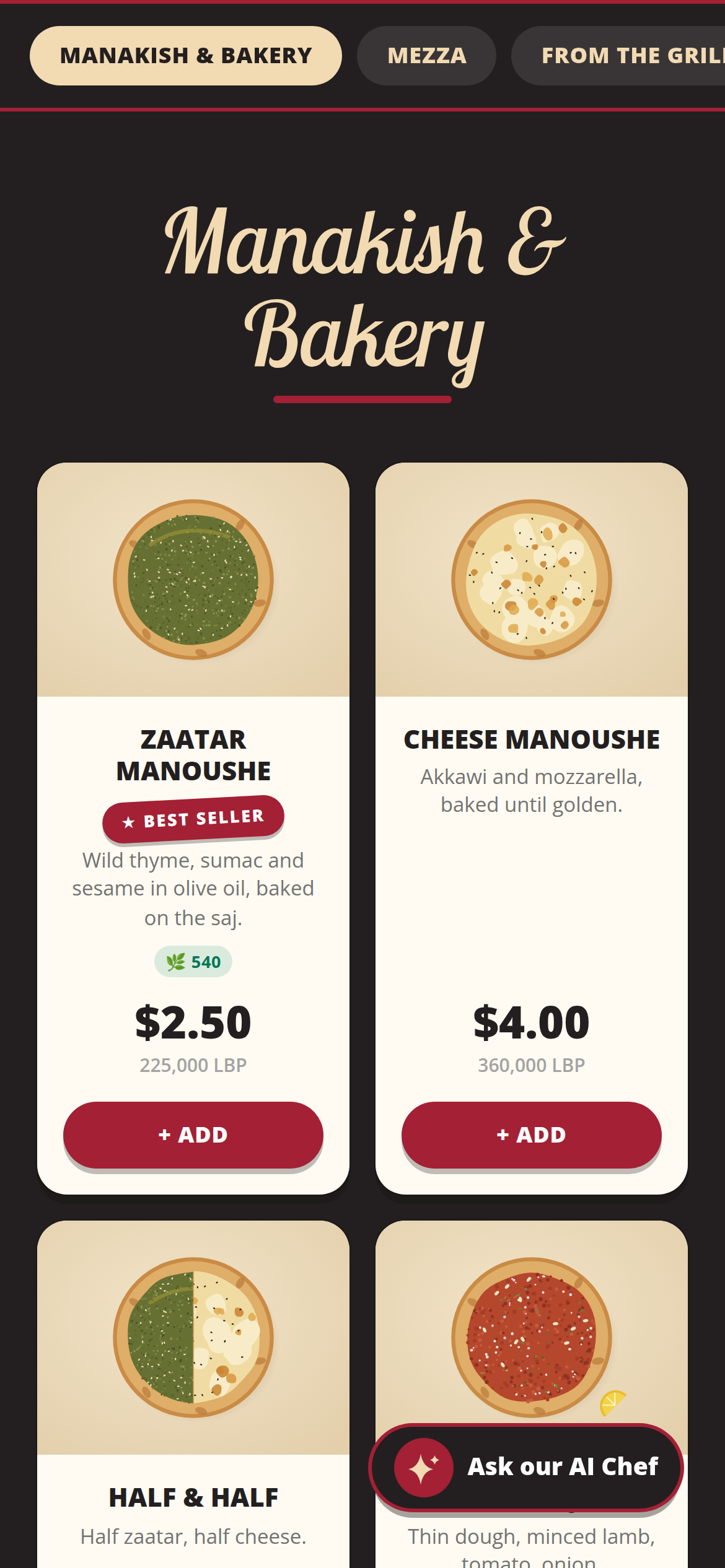
The QR menu shows the products already in your till. Change a price at the register and the menu on the table follows — there is no second list to keep in step.
02
The customer picks. Same menu, same prices, three languages. Receipts print in English or Arabic, following the cashier’s screen.
03
Every price shows in dollars and lira, converted at the rate your shop is using, so nobody has to do the maths at the table.
04
Set the menu’s colours and header text to match the place. Items carry photos, descriptions and best-seller badges.
05
Start with a menu people just read. Switch ordering on and customers can order pickup or delivery from the same menu. Every order lands on your till and owner phone app to accept: a cash order also reaches you as a WhatsApp message from the customer, and a Whish, OMT or Neo order carries a reference for the transfer. No third-party app taking a cut.
06
A second QR code opens the menu read-only, with no cart, for guests at tables. The owner phone app generates both codes, and a printable A4 QR poster is available.
07
After the first visit, the menu is cached on the customer’s phone, so a weak connection at the back table still shows it instead of a blank screen.
08
An add-on to a Table licence, priced per year, with no commission on anything ordered through it.
Try it
Beit Aley is a fictional restaurant set up to show the QR menu. Browse it in English, Arabic or French and fill a cart: checkout shows what would happen on a real menu instead of placing an order.
Open the demo menuWhat it costs
One Windows till with every feature not marked as an add-on on /features, the owner phone app, and support on WhatsApp.
Start with the full POS free. Add the QR menu when you’re ready, and Table switches it on for you.
14 days free · no credit card
What happens next
01
Your shop’s name and your mobile number. The shop and its PIN are created on the spot.
02
The till runs in the Table app for Windows. Download it
03
Click Download on the signup screen and the app picks up the 6-character pairing code shown when you sign up (valid 24 hours) when it opens on the same computer; anywhere else, enter the code. After 24 hours, message Table on WhatsApp for a new one.
Help installing? WhatsApp +961 81 664 397tableposlb@gmail.com