Barcode vs PLU: Which Should Your Shop Use?
Barcodes and PLU codes solve different problems at checkout. A practical guide to choosing the right identifier type for a retail shop or bakery in Lebanon.
2 min read
If you're setting up products in a POS system for the first time, you'll be asked to choose between a barcode and a PLU code for each item — and it's easy to default to whatever the last item used, without thinking about which one actually fits.
Barcodes: for packaged, pre-labeled items
#If a product already comes with a barcode printed on the package — a bottled drink, packaged snacks, most retail goods — just scan it. There's nothing to set up beyond pointing a scanner at the item, and scanning is quick and hard to get wrong at checkout.
PLU codes: for anything without a label
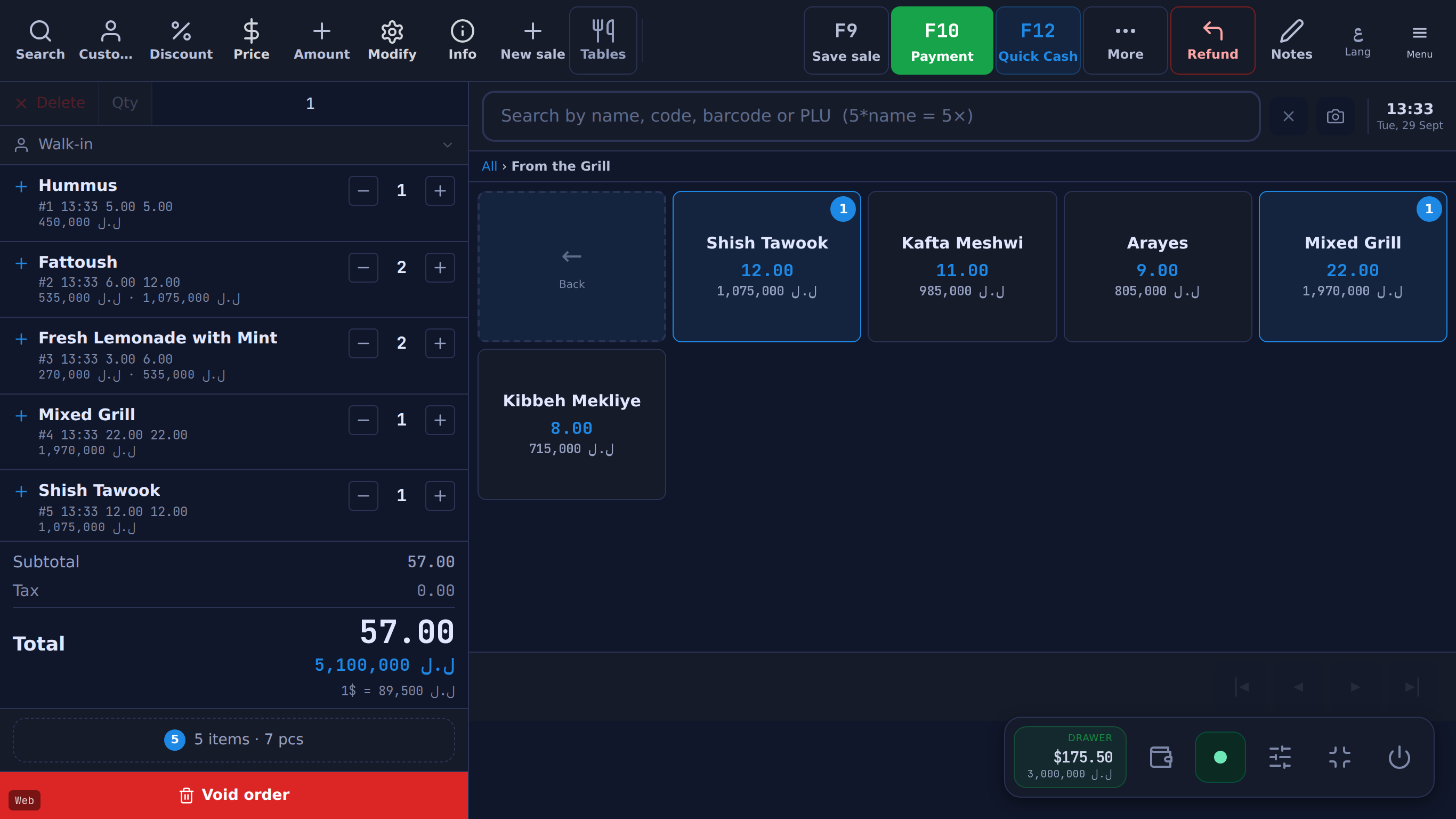
#Fresh bread, loose produce, made-to-order items, anything sold by weight — these don't come with a barcode, so you assign a short numeric PLU code instead. A good system lets you type it fast (some even let you type a quantity shortcut, like 5 times a code to ring up five of something in one motion) without needing a scanner at all.
Set a default so you're not choosing every time
#If most of what you sell is one type or the other, set that as your default identifier type when creating new products — a bakery will mostly want PLU by default, a retail shop reselling packaged goods will mostly want barcode. You can still override it per item; the default just saves you a click on most of your products.
How Table handles it
#In Table's till there is no separate barcode mode or PLU mode: one search box takes either. The details, as the feature reference states them: