How Online Orders Update Your POS Stock
What actually has to happen for a web order and a counter sale to draw down the same stock count — and what to ask before adding a webshop to your till.
4 min read
Most shops that sell online end up running two inventories. There is the one in the till, which is right, and the one in the webshop, which was right on the day somebody typed it in. Then a customer orders the last of something that sold in the shop an hour earlier, and you are calling them back to apologise.
The fix is not discipline. It is that the two systems should have been one system. Here is what that actually requires.
One catalogue, not two that sync
#The word “sync” is doing a lot of hiding. Two separate product lists that periodically copy each other will always have a window where they disagree — and that window is exactly when a busy Saturday causes the problem. Every sync also has to decide who wins when both sides changed, and that decision is invisible until it goes wrong.
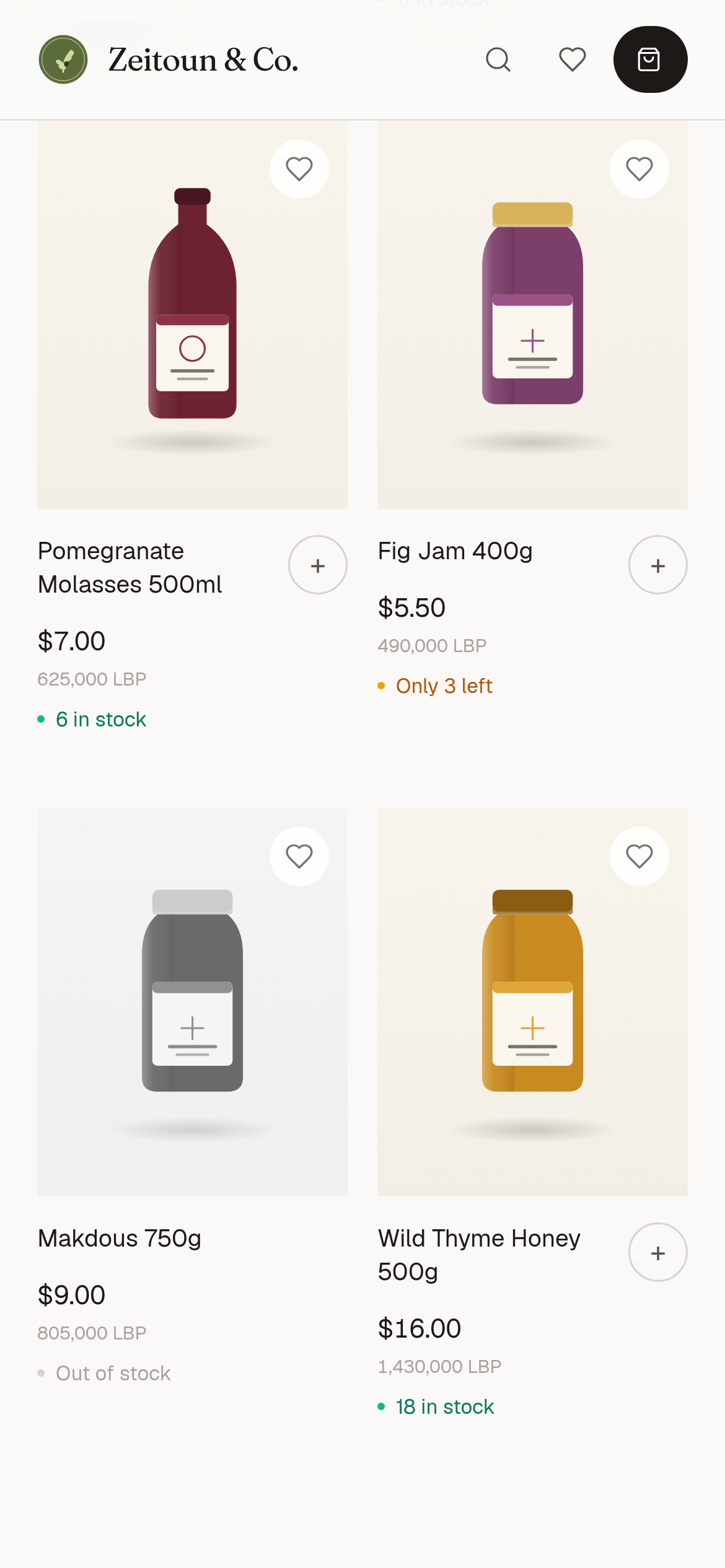
A shop and a till that share one catalogue have nothing to reconcile. The product a customer sees online is the product row the cashier is selling from. Change a price once and there is only one price: an open store page picks it up at its next refresh, within a minute, and checkout re-prices every order on the server.
Stock has to move at the moment of sale
#Whichever side the sale happens on — barcode scanned at the counter, or checkout completed on a phone at midnight — the count has to drop then, not in a nightly job. Anything slower means the number is a forecast rather than a fact.
This matters more than it sounds for the last unit of something. Two people can want it at once, one in the shop and one online, and both sides need to be reading the same number. In Table the till and the online store draw down one stock count. Online checkout re-checks that count before it accepts an order, and turning on "Prevent negative-quantity sales" in Settings has the till check it too.
The order has to arrive somewhere a person will see it
#An online order that lands in an inbox nobody has open is not much better than a missed phone call. It needs to reach the till the staff are already looking at, and the owner's phone. In Table, a new-orders count appears on the till's sales screen, usually within a minute while the till is in use, and the order is listed in the owner phone app.
That also settles a question most shops hit early: who is responsible for the web order? In Table, online orders land on the till in their own Online store screen, opened from that count, so whoever is on shift sees and accepts them — no separate person watching a separate inbox.
And it has to survive the internet dropping
#In Lebanon this is not an edge case. If the connection goes while the shop is open, counter sales have to keep working and queue locally, then reconcile when the line returns. In Table, the till keeps selling and queues its sales, and they are applied to the shared stock count when the line returns.
The web side doesn't stop in the meantime. Your online store stays open, checking a count that doesn't include the offline counter sales yet, so it can accept an order for something the counter has already sold. That order waits in the Online store queue — in the owner phone app straight away, and on the till once it reconnects — and rejecting it puts the stock back. If "Prevent negative-quantity sales" is on, the server refuses that offline counter sale when it syncs, and the till asks you to ring it again after you reject the web order.
What to ask a vendor
#Three questions separate one system from two systems wearing a costume.
If the answers involve an interval, a plugin, or an export, you are buying two inventories and the job of keeping them agreeing.